플랫 벡터 애니메이션 영상 — 플랫 벡터 스타일
플랫 벡터 애니메이션 영상을 만들어 보세요: 미드나잇 블루 배경의 단순한 캐릭터, 큰 자막과 타임스탬프. 튜토리얼과 건강 팁에 적합한 무료 스타일.
무료 플랜: 월 3개 영상을 워터마크와 함께 · ClipOnIt 엔진으로 렌더링한 미리보기
이 스타일의 모습
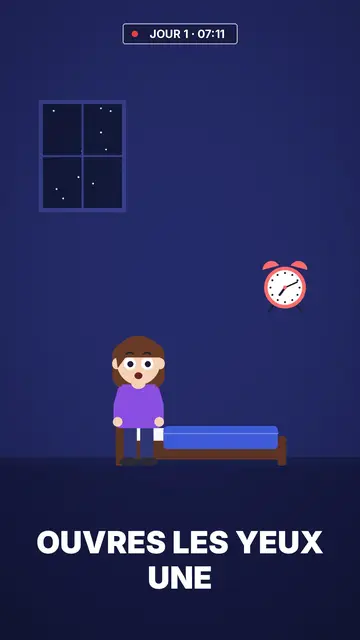
Flat vector draws in solid colour with no outlines at all: a simple character with big round white eyes, in an uncluttered room or outdoors at night. The midnight blue background holds for the whole video, which makes the character and the few objects around it stand out. Shapes are smooth and rounded, like the illustrations you see on app websites and in public health campaigns.
Captions are big, white and in capitals at the bottom of the screen; the next word shows ghosted and the keyword turns yellow. At the top, a timestamp like “DAY 1 · 07:12” with a blinking red dot gives viewers a thread to follow, ideal for a routine or a multi-day challenge. Titles are set in underlined white and yellow capitals, and scenes cross-fade into each other.
잘 맞는 주제
Avoid: topics that need many different objects or specific places (history, geography, mechanics): the style's library is short and centres on one character in a few sets. For those topics, pick Pixel News or a 3D style, whose libraries are much larger.
- Step-by-step tutorialsOne character, one action per scene, one big caption: every step reads without effort.
- Health and sleepThe midnight blue bedroom and the timestamp show a routine hour by hour, without medical imagery.
- Wellbeing and habitsThe day counter follows a thirty-day challenge or a habit being built.
- Seasonal topicsA pumpkin, a ghost and a moon exist in the night set, for a Halloween or winter video.
이 스타일의 영상 아이디어
- What happens if you sleep six hours
The timestamp runs from 23:00 to 07:00 while the character tosses in bed, then the alarm.
- Drinking water for seven days
“DAY 1” to “DAY 7”: one scene per day and what the body notices.
- Setting up an app in three taps
The character holds a phone, each tap gets its caption and its yellow word.
- Why we fear the dark
Outdoors at night, a moon, a ghost that turns out to be nothing: a short explainer for Halloween.
클릭 1번이면 완성
- 이 스타일 링크 열기
“이 스타일로 영상 만들기” 버튼을 누르면 이 스타일이 이미 선택된 편집기가 열립니다. 계정이 없어도 가입은 1분이면 되고 카드 등록은 필요 없어요.
- 주제를 한 문장으로 적어 주세요
아이디어 하나면 충분해요. 텍스트를 붙여넣거나, Starter에서 마이크에 대고 설명해도 돼요. 그러면 영상이 여러분의 목소리를 바탕으로 만들어져요.
- 검토 후 렌더링
AI가 장면을 쓰고, 스타일의 요소를 고르고, 말에 맞춰 타이밍을 맞춰요. 음성과 자막도 함께 들어가요. 어색한 부분만 고치면 세로형 MP4가 몇 분 안에 도착해요.
조정할 수 있는 항목
You change the timestamp text (day, time), the titles and their yellow words, each caption's keyword, the narration and each scene's length. You pick the set, room or night outdoors, move the character and objects, change the camera move, or ask for three variants of a scene. From Starter, your own voice and the AI Director, who takes tweaks when you speak to it.
이 스타일로 그린 장면
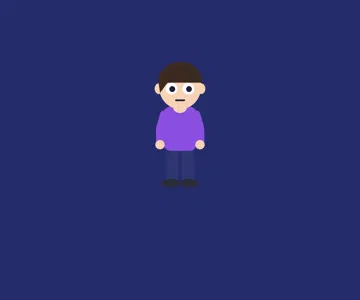
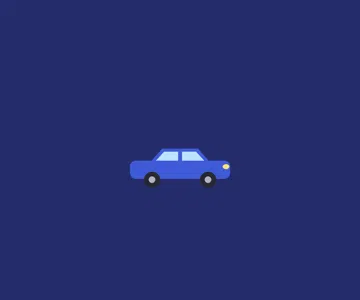
라이브러리에 29개의 요소가 있으며 의미로 검색할 수 있어요. 그중 몇 가지:
 캐릭터
 기기
 데이터
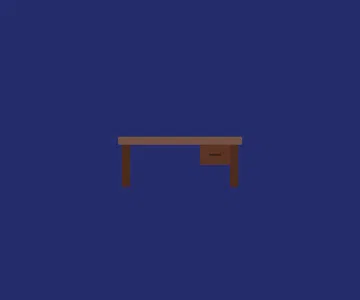 배경
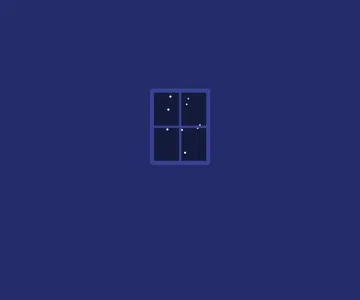 인터페이스
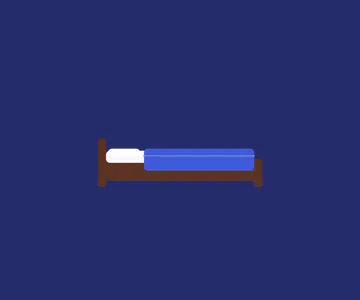 오브젝트
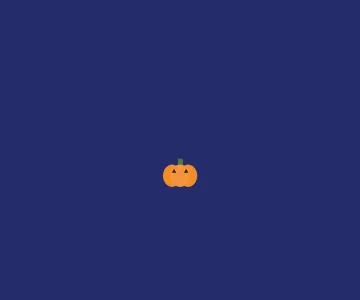 음식
 식물
Frequently asked questions
무료 여부, 결과물, 용도: 간단한 답변.
What is a flat vector animation?
A video illustrated in solid colours, with no outlines or realistic shading, using simple rounded shapes. It is the look of app illustrations: clean, readable and easy to follow on a small screen.
Does it suit a product explainer video?
For showing a simple use (one person, a phone, a routine), yes. If your product has many screens or objects to show, a style with a bigger library will work better.
What is the timestamp at the top for?
It gives a marker in time: a day, an hour, a step. It works well for routines, multi-day challenges and hour-by-hour stories; you can also leave it empty.
이 스타일은 무료 요금제에 포함되나요?
네, 무료 플랜에서 쓸 수 있는 8가지 스타일 중 하나예요: 월 3개 영상을 ClipOnIt 워터마크와 함께 만들 수 있고, 신용카드도 필요 없어요. Starter($29/월)는 워터마크를 없애고, 월 15개 영상을 만들 수 있게 해 주며, 24가지 스타일 전부와 직접 만든 스타일까지 열어 줘요.
이 스타일이 마음에 든다면
- 무료
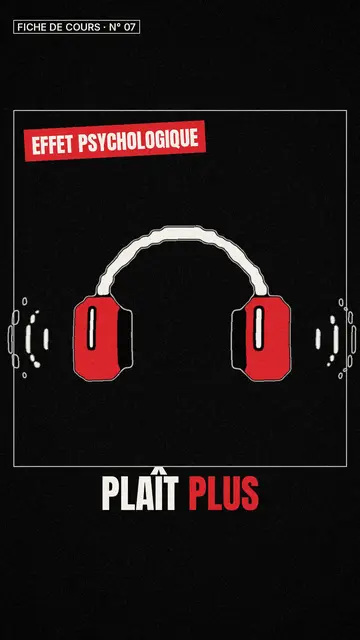
Whiteboard sketch video maker
Class sketch style · Lively black-and-white sketches with red accents.
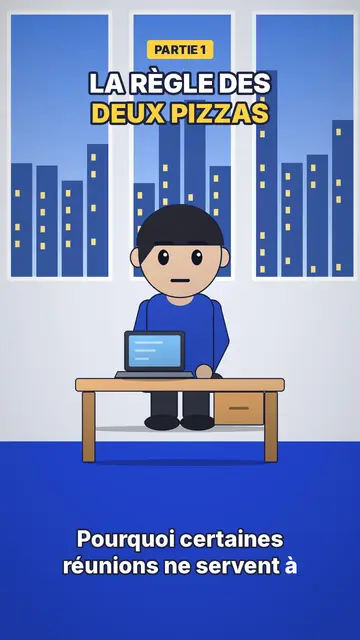
Office cartoon animation video
Office toon style · Big-headed toon characters at the office or in the kitchen.
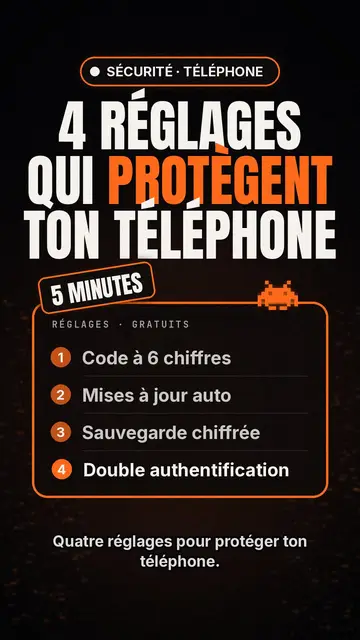
Tech top list video maker
Tech list style · Tech card on black, glowing badge, numbered list.