화이트보드 스케치 영상 메이커 — 수업 스케치 스타일
화이트보드 스케치 영상 만들기: 생동감 있는 검은 선 일러스트, 빨간 포인트, 번호가 매겨진 수업 시트. 개념을 단계별로 설명하도록 설계됐어요. 무료 스타일.
무료 플랜: 월 3개 영상을 워터마크와 함께 · ClipOnIt 엔진으로 렌더링한 미리보기
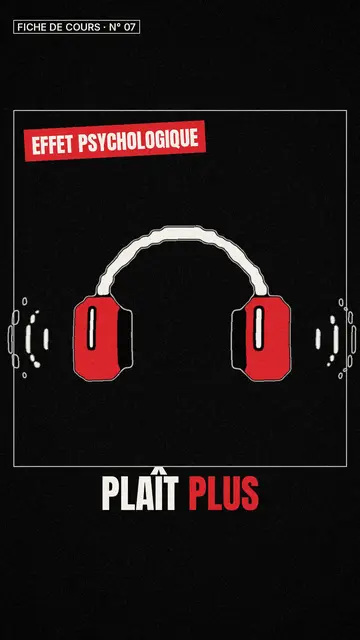
이 스타일의 모습
Class sketch draws every scene in three tones: paper, black and an accent red. Outlines are thick and wobble several times a second, like a hand drawing filmed frame by frame. Everything sits inside a class-sheet frame, with a label at the top left such as “CLASS SHEET · No. 07”, which gives a series the feel of a notebook you flip through.
At the bottom, big condensed capital captions carry the narration, with key words in red. A large red percentage can show at the top right, a label closes the bottom of the frame and a tilted red sticker underlines an idea. The drawings come from the engine's large library, re-inked in this line style, so there is nearly always something to illustrate a concept.
잘 맞는 주제
Avoid: topics that rely on colour or rich backgrounds (travel, food, fashion): the three-tone line wipes out nuance, and very detailed elements turn into black blotches. Faces remain the library's, re-inked, with no true hand-drawn portrait.
- Lessons and key conceptsThe numbered sheet frame and the plain line keep attention on the idea, scene after scene.
- Step-by-step methodsEach step becomes a sketch, and red shows what changes from one to the next.
- Psychology and scienceA brain, a face, an experiment: the sketch simplifies without talking down.
- Revision sheetsA numbered series, one concept per video, that students find again and rewatch before an exam.
이 스타일의 영상 아이디어
- The mere exposure effect
Why we end up liking what we see often: a repeated face, a growing heart, the percentage in red.
- Photosynthesis in four steps
A leaf, the sun, water, sugar: one sheet per step, the key word in red.
- The 20-minute rule for revision
A student, a timer, a break: the method reads like a notebook page.
- How memory works
A sketched brain, arrows, a red sticker on the idea to remember, a numbered sheet for the series.
클릭 1번이면 완성
- 이 스타일 링크 열기
“이 스타일로 영상 만들기” 버튼을 누르면 이 스타일이 이미 선택된 편집기가 열립니다. 계정이 없어도 가입은 1분이면 되고 카드 등록은 필요 없어요.
- 주제를 한 문장으로 적어 주세요
아이디어 하나면 충분해요. 텍스트를 붙여넣거나, Starter에서 마이크에 대고 설명해도 돼요. 그러면 영상이 여러분의 목소리를 바탕으로 만들어져요.
- 검토 후 렌더링
AI가 장면을 쓰고, 스타일의 요소를 고르고, 말에 맞춰 타이밍을 맞춰요. 음성과 자막도 함께 들어가요. 어색한 부분만 고치면 세로형 MP4가 몇 분 안에 도착해요.
조정할 수 있는 항목
You can write the sheet label and its number, the big red percentage, the bottom label and the sticker text, and pick which caption words turn red. Click a drawing to move it or swap it for another from the library, set scene lengths, change the narration or ask for three variants. From Starter, you can record your own voice and make fixes by talking to the AI Director.
이 스타일로 그린 장면
라이브러리에 9 518개의 요소가 있으며 의미로 검색할 수 있어요. 그중 몇 가지:
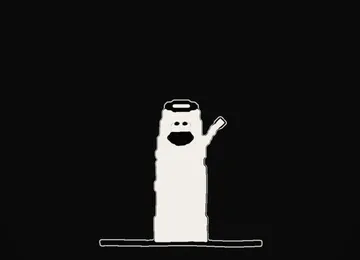 캐릭터
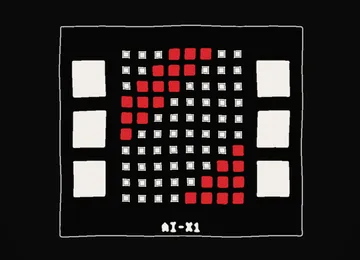 기기
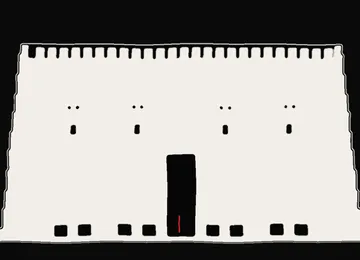 문서 & 장소
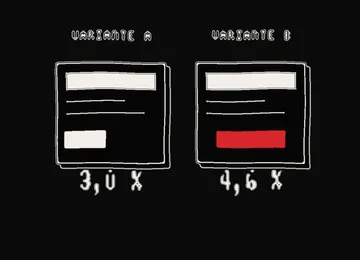 데이터
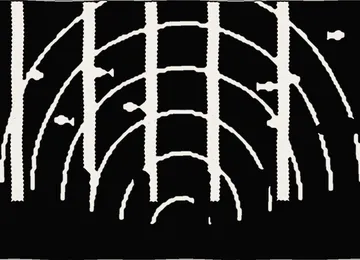 배경
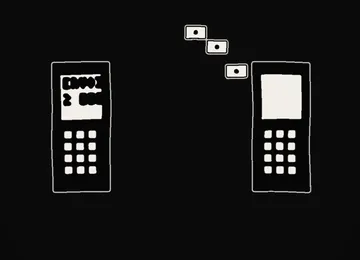 인터페이스
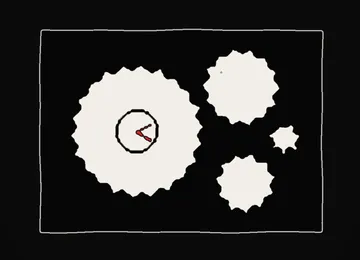 과학
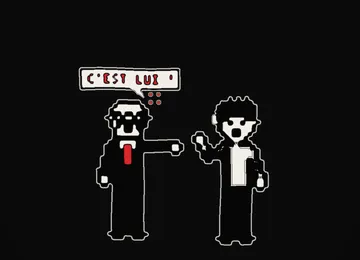 작업
Frequently asked questions
무료 여부, 결과물, 용도: 간단한 답변.
Is it a real whiteboard animation?
It keeps the spirit, a simple line illustrating what is being explained, without the drawing hand on screen. The wobbling line gives the hand-drawn feel.
Can I use it for my classes?
Yes. Write the concept in one sentence or paste your lesson text: AI splits it into short sheets. The videos belong to you, so you can share them with your students.
How is it different from Minimal line?
Class sketch is black on light paper, with a thick moving line and a sheet frame. Minimal line is a thin white line on charcoal, quieter, for abstract ideas.
이 스타일은 무료 요금제에 포함되나요?
네, 무료 플랜에서 쓸 수 있는 8가지 스타일 중 하나예요: 월 3개 영상을 ClipOnIt 워터마크와 함께 만들 수 있고, 신용카드도 필요 없어요. Starter($29/월)는 워터마크를 없애고, 월 15개 영상을 만들 수 있게 해 주며, 24가지 스타일 전부와 직접 만든 스타일까지 열어 줘요.
이 스타일이 마음에 든다면
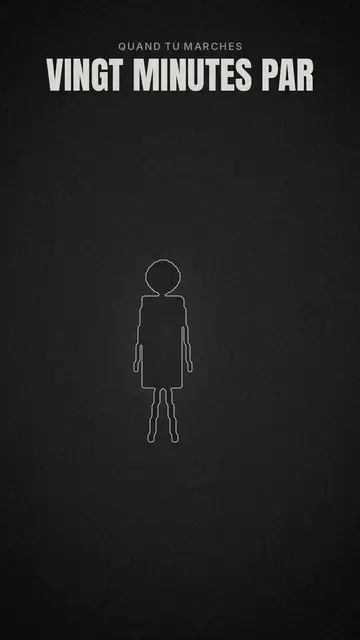
Minimal line animation video
Minimal line style · Thin white line art on charcoal, one red accent.
- 무료
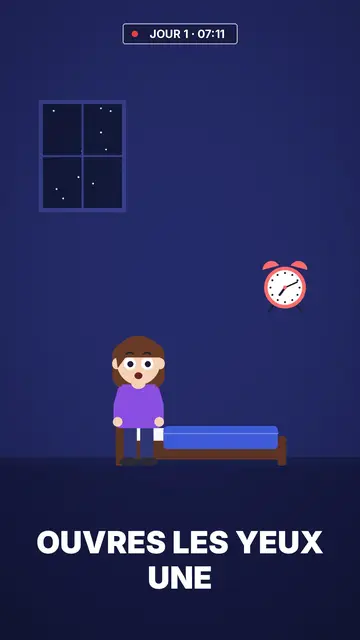
Flat vector animation video
Flat vector style · Flat vector illustration on midnight blue.
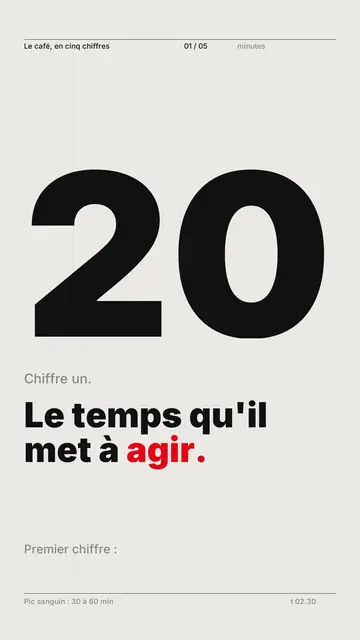
Kinetic typography video maker
Swiss grid style · Swiss typography: light paper, strict grid, giant figure, one signal colour.