Blueprint diagram video — Blue blueprint style
Make a diagram video like a blue architect's blueprint: line-drawn wireframes, dimensions drawing themselves, a numbered title block and red notes.
Starter에 포함, 스타일 81개 전체와 직접 만든 스타일 포함 · 미리보기는 ClipOnIt 엔진으로 렌더링됨
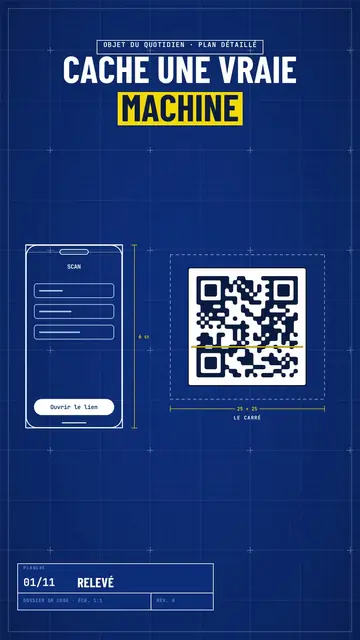
이 스타일의 모습
Blue blueprint draws your topic on a gridded blue sheet, like a real technical plan. The title is in white condensed capitals, with the key word on a yellow band, and a numbered title block in the corner moves forward with each scene, like the sheets of a file. Objects are traced in white line in real time: a phone wireframe, a diagram, a table, a circle of icons around a big number.
Dimensions get drawn between the pieces (“6 cm”, “25 × 25”) and captions name them. Taped screenshots, lists being ticked, a yellow sticky note, a dark terminal and a score complete the sheet. A red handwritten note circles or comments on the important detail, like an architect correcting in marker. The end shows a profile with a “Subscribe” button being clicked.
잘 맞는 주제
Avoid: emotional topics, stories with characters or topics without structure: the plan wants pieces, dimensions and steps. Also avoid overloading a sheet; three pieces per scene stay readable.
- How everyday objects workThe dimensioned plan shows the inside of a QR code, a bank card or a screen.
- App and AI tutorialsThe line-drawn phone wireframe shows the screen without a branded screenshot.
- Technical architecturesDiagrams drawing themselves make an architecture readable step by step.
- Methods and action plansThe numbered title block and the ticked list give the feel of a well-run file.
이 스타일의 영상 아이디어
- How a QR code works
The phone scanning, the square dimensioned 25 × 25, the diagram of zones and the big error correction number.
- An app's architecture in 4 blocks
The diagram drawing itself, the dimensioned arrows and the title block moving forward.
- What's inside your bank card
The card's plan, the dimensioned chip, the red note and the ticked list.
- Launch a website in a weekend
The wireframe, the taped screenshots, the yellow sticky note and the final score.
클릭 1번이면 완성
- 이 스타일 링크 열기
“이 스타일로 영상 만들기” 버튼을 누르면 이 스타일이 이미 선택된 편집기가 열립니다. 계정이 없어도 가입은 1분이면 되고 카드 등록은 필요 없어요.
- 주제를 한 문장으로 적어 주세요
아이디어 하나면 충분해요. 텍스트를 붙여넣거나, Starter에서 마이크에 대고 설명해도 돼요. 그러면 영상이 여러분의 목소리를 바탕으로 만들어져요.
- 검토 후 렌더링
AI가 장면을 쓰고, 스타일의 요소를 고르고, 말에 맞춰 타이밍을 맞춰요. 음성과 자막도 함께 들어가요. 어색한 부분만 고치면 세로형 MP4가 몇 분 안에 도착해요.
조정할 수 있는 항목
For each scene you pick one to three pieces on the word (phone, screenshot, table, diagram, circle, list, sticky note, terminal, score or element) with their dimensions and captions, the sheet name in the title block, the label above the title, a note under the pieces and a red annotation.
자주 묻는 질문
무료 여부, 결과물, 용도: 간단한 답변.
Are the dimensions to scale?
Dimensions show the text you write, like on an architect's sketch. The drawing stays readable; it is not calculated to real scale.
내 목소리를 쓸 수 있나요?
Yes. Record yourself or import your audio: lines, dimensions and notes draw themselves on your words.
Class sketch와는 어떻게 다른가요?
Class sketch draws in black line on white, freehand, like a notebook. Blue blueprint traces dimensioned pieces on a gridded blue sheet, with a title block.
이 스타일은 무료 요금제에 포함되나요?
아니요, Starter(월 $29)에 포함되어 있습니다. 월 15개의 워터마크 없는 영상, 81개 스타일 전체, 직접 만든 스타일을 쓸 수 있습니다. 무료 플랜은 월 3개의 영상을 워터마크와 함께 제공하며, 그 외 8개 스타일을 쓸 수 있습니다: Pixel News, Press paper, Comedy cartoon, Class sketch, Night tale, Social screen, Retro synthwave, Flat vector.
이 스타일이 마음에 든다면
- 무료
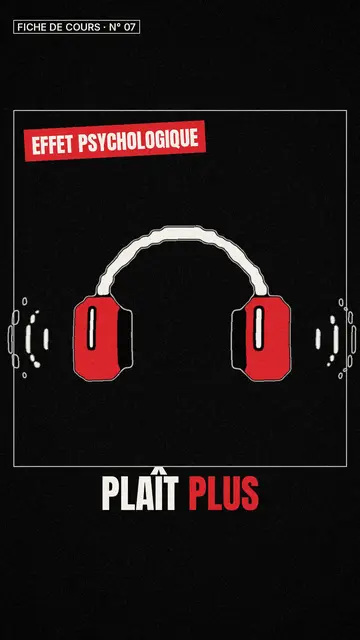
화이트보드 스케치 영상 제작 도구
Class sketch style · 빨간 포인트가 들어간 생동감 있는 흑백 스케치.
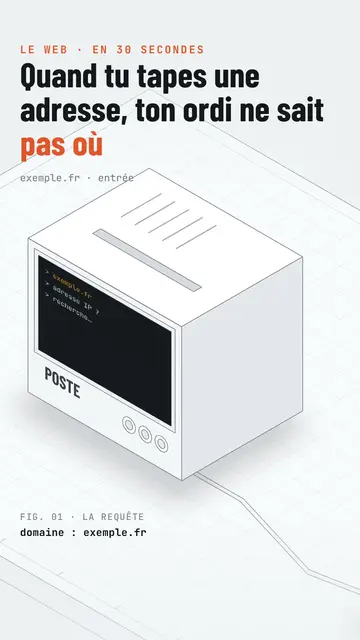
Isometric tech video
Isometric technical board style · A white installation with fine edges seen in one continuous pan, screens lighting up on the word.
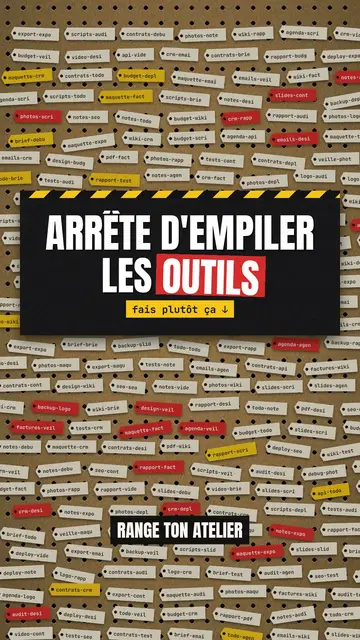
Step-by-step method video
Pegboard workshop style · Everything hangs on a cardboard pegboard: falling labels, gauges, caution tape.