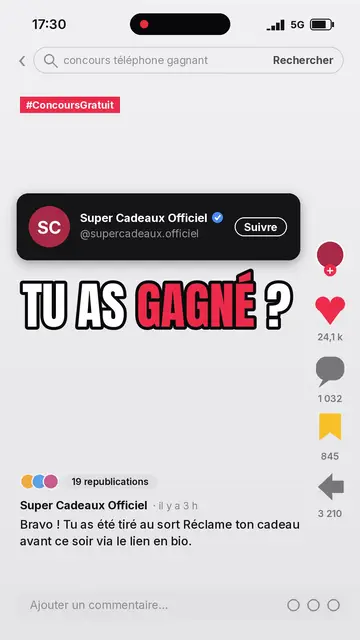
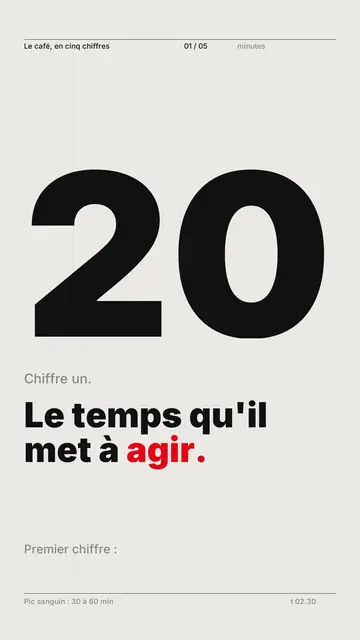
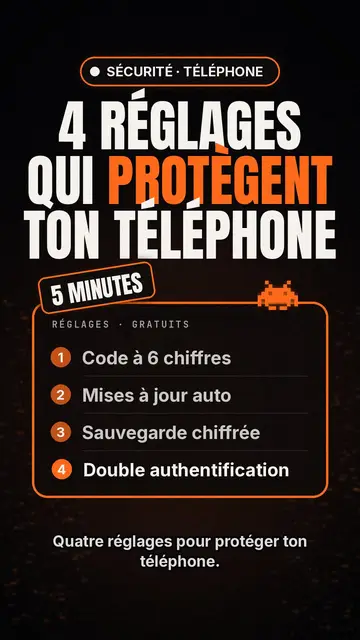
UI motion design explainer video — Clean interface style
Make a UI motion design explainer video: clean windows, buttons and a clicking cursor on a light background, synced to the voice. Built for AI and tech.
Starter에 포함, 스타일 26개 전체와 직접 만든 스타일 포함 · 미리보기는 ClipOnIt 엔진으로 렌더링됨
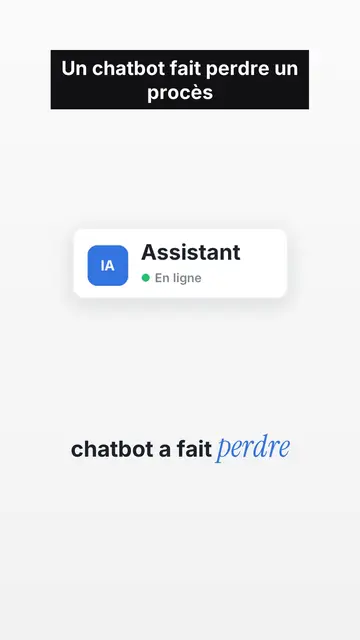
이 스타일의 모습
Clean interface tells a story as if it were happening inside a computer. On off-white paper with a fine dot grid, operating-system style interface cards appear one by one: an email window with its recipient, an identity badge with its status dot, a big green button, a toggle switch, a dark monitor whose number drops, person icons that light up when their name is spoken. Each card enters exactly on the word that names it, with a small bounce.
A named cursor slides toward the button and clicks on the exact word, which builds suspense. Under the illustration, the caption turns from grey to black as the voice moves on, and the key word is set in blue italic serif. Tilted stamps (“DENIED”, “IGNORED”) hit the screen, keywords sometimes fill the whole frame, and a pause on a charcoal background marks the twist before the end card, which gets clicked too.
잘 맞는 주제
Avoid: very visual topics carried by landscapes, crowds or action scenes: the style shows screens, buttons and icons, not settings. Also avoid long lists of numbers without a story; a card should always say what is happening.
- AI and techA chatbot, a server or an app becomes a badge with its status: the story reads in its native language, the interface.
- True digital storiesFamous bugs, leaks, scams: emails, clicks and counters show what happened, step by step.
- Product demos and adsThe clicking cursor and the end card with its button make a clean demo, without a screen recording.
- Faceless channelsLight background, crisp type and recognisable cards give a series an identity without a face on screen.
이 스타일의 영상 아이디어
- The chatbot that lost a lawsuit
The chat window, the reply turning black word by word, the DENIED stamp, then the verdict on black.
- $440M lost in 45 minutes
Eight servers in a grid, a switch that turns itself back on, a counter that runs wild.
- How a fake bank advisor scam works
The text message, the link, the “Confirm” button the cursor avoids, and the habit to keep.
- Your app explained in 40 seconds
The problem as a red badge, your feature as a window, the click that fixes it and the end card.
클릭 1번이면 완성
- 이 스타일 링크 열기
“이 스타일로 영상 만들기” 버튼을 누르면 이 스타일이 이미 선택된 편집기가 열립니다. 계정이 없어도 가입은 1분이면 되고 카드 등록은 필요 없어요.
- 주제를 한 문장으로 적어 주세요
아이디어 하나면 충분해요. 텍스트를 붙여넣거나, Starter에서 마이크에 대고 설명해도 돼요. 그러면 영상이 여러분의 목소리를 바탕으로 만들어져요.
- 검토 후 렌더링
AI가 장면을 쓰고, 스타일의 요소를 고르고, 말에 맞춰 타이밍을 맞춰요. 음성과 자막도 함께 들어가요. 어색한 부분만 고치면 세로형 MP4가 몇 분 안에 도착해요.
조정할 수 있는 항목
For each scene you pick one to three cards out of fifteen (window, badge, button, toggle, monitor, list, grid, gauge, number, calendar, clock, arrow, people, quote or a library element), the word where each one appears and the one where the cursor clicks. You add a stamp, an alert pill or a “danger” background, and change the accent colour to match your brand. Your own voice works too: everything locks onto the spoken words.
이 스타일로 그린 장면
라이브러리에 9 517개의 요소가 있으며 의미로 검색할 수 있어요. 그중 몇 가지:
 캐릭터
 기기
 문서 & 장소
 데이터
 배경
 인터페이스
 과학
 작업
자주 묻는 질문
무료 여부, 결과물, 용도: 간단한 답변.
What is UI motion design?
An animation that tells a story with interface elements: windows, buttons, cursors, notifications. Here the engine draws them and animates them to the voice, without screen recordings.
내 목소리를 쓸 수 있나요?
Yes. Record yourself or import your audio: every card, every click and every caption word locks onto what you say.
Is there a version with my face?
The style is faceless. For a talking-head video in the same format (illustrations on top, you below), contact us: it is an editing recipe from our studio.
이 스타일은 무료 요금제에 포함되나요?
아니요, Starter(월 $29)에 포함되어 있습니다. 월 15개의 워터마크 없는 영상, 26개 스타일 전체, 직접 만든 스타일을 쓸 수 있습니다. 무료 플랜은 월 3개의 영상을 워터마크와 함께 제공하며, 그 외 8개 스타일을 쓸 수 있습니다: Pixel News, Press paper, Comedy cartoon, Class sketch, Night tale, Social screen, Retro synthwave, Flat vector.