픽셀 아트 설명 영상 메이커 — Pixel News 스타일
회색과 빨간색 장면으로 뉴스, 타임라인, 실화를 담은 픽셀 아트 설명 영상을 만들어 보세요. 날짜 표시, 음성, 자막 포함. 무료 스타일, 1번 클릭이면 됩니다.
무료 플랜: 월 3개 영상을 워터마크와 함께 · ClipOnIt 엔진으로 렌더링한 미리보기
이 스타일의 모습
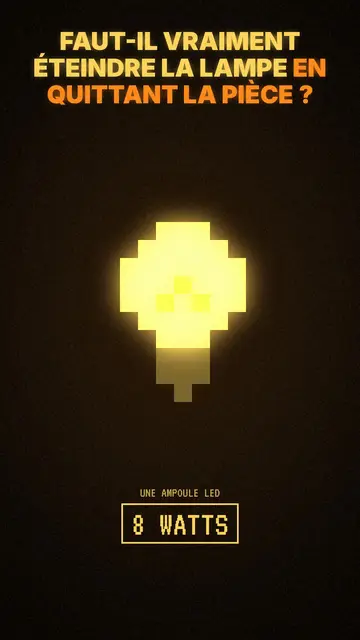
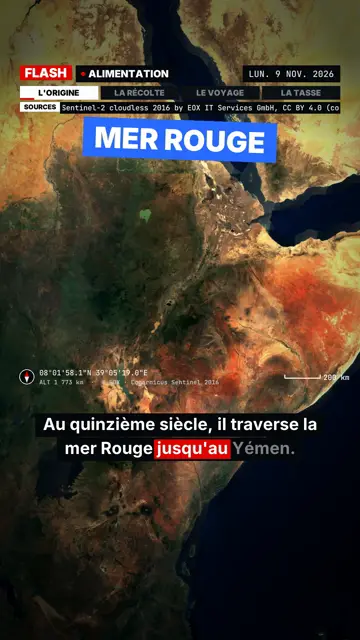
Pixel News draws every scene in grey pixel art, with red as the only accent: a character, a building, a banknote or an alarm stands out in red while the rest fades back. At the top, captions run word by word, the spoken word underlined in red and the next one ghosted. An info bar shows the date of the story being told, which gives the video the look of a retro TV news bulletin.
Between scenes, the picture breaks into a mosaic, and a light CRT effect holds it all together. Red stamps hit the screen on key facts (“CONFIRMED”, “1938”, “CLASSIFIED”). It is the engine's base style: its library is the largest, so the AI nearly always finds an element that matches what the voice says, from a satellite to a hamster.
잘 맞는 주제
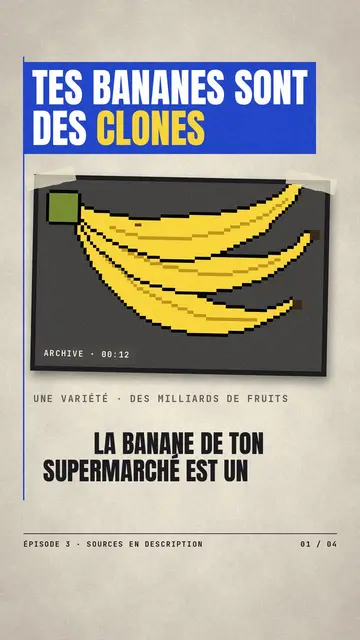
Avoid: topics that live on colour (food, fashion, interior design) or a very colourful brand: the grey-and-red palette flattens them. For a light topic meant to be funny, a cartoon style works better.
- NewsThe date on screen and the red stamp set a news frame straight away, even in a vertical feed.
- TimelinesThe bar changes year with each scene: viewers follow a case, an invention or a war step by step.
- True storiesGrey keeps the tone sober and red points at the key piece of evidence, without shocking images.
- Faceless channelsThe look is recognisable from one video to the next, which helps a series exist without a face.
이 스타일의 영상 아이디어
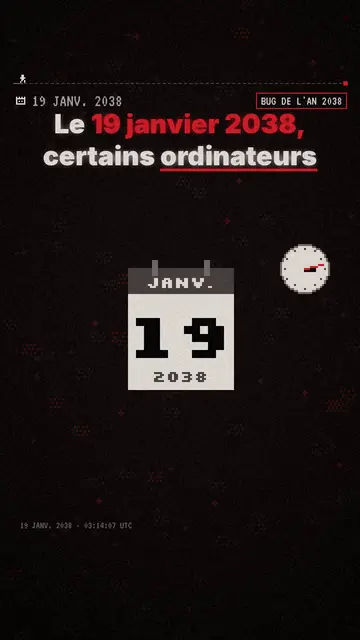
- The year 2038 bug
A computer clock, a counter that overflows, a “19 JANUARY 2038” stamp: a technical topic told like an alert.
- The timeline of a case
Each scene is a date on the bar, from the first clue to the verdict, with the suspect in red.
- A shock figure explained
The figure lands as a stamp, then three scenes show where it comes from and what it hides.
- The first program that talked
An old terminal, a researcher, a conversation on screen: the story of an invention in a minute.
클릭 1번이면 완성
- 이 스타일 링크 열기
“이 스타일로 영상 만들기” 버튼을 누르면 이 스타일이 이미 선택된 편집기가 열립니다. 계정이 없어도 가입은 1분이면 되고 카드 등록은 필요 없어요.
- 주제를 한 문장으로 적어 주세요
아이디어 하나면 충분해요. 텍스트를 붙여넣거나, Starter에서 마이크에 대고 설명해도 돼요. 그러면 영상이 여러분의 목소리를 바탕으로 만들어져요.
- 검토 후 렌더링
AI가 장면을 쓰고, 스타일의 요소를 고르고, 말에 맞춰 타이밍을 맞춰요. 음성과 자막도 함께 들어가요. 어색한 부분만 고치면 세로형 MP4가 몇 분 안에 도착해요.
조정할 수 있는 항목
You can change the date and credit on the bar, the word hit by the stamp, each scene's length and the narration line. Click an element to move it or swap it for another from the library, or ask for three variants of a scene. Captions and voice follow your text; from Starter, you can record your own voice and make fixes by talking to the AI Director.
이 스타일로 그린 장면
라이브러리에 9 518개의 요소가 있으며 의미로 검색할 수 있어요. 그중 몇 가지:
 캐릭터
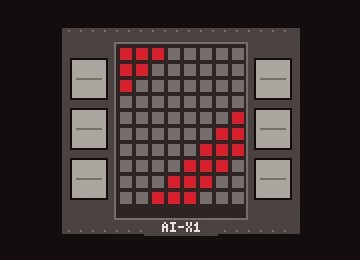 기기
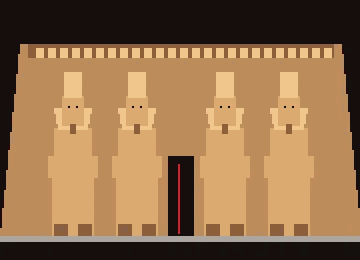 문서 & 장소
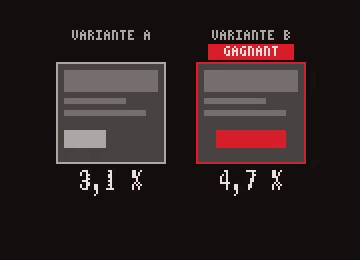 데이터
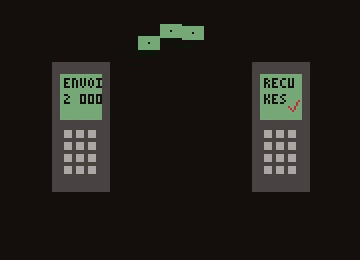 인터페이스
 작업
Frequently asked questions
무료 여부, 결과물, 용도: 간단한 답변.
What is a pixel art explainer video?
A short video where each idea is illustrated with chunky-pixel drawings, like 90s video games, over a voice-over. In Pixel News, AI picks the drawings, animates them on the words and adds the captions.
Do I need to know pixel art?
No. The elements are already drawn in the style and filed by theme; AI finds them by meaning from your narration. If an element is missing, the editor can draw it from your description.
What format is the video?
A vertical 1080×1920 MP4 with voice and captions built in, ready for TikTok, Reels and Shorts.
이 스타일은 무료 요금제에 포함되나요?
네, 무료 플랜에서 쓸 수 있는 8가지 스타일 중 하나예요: 월 3개 영상을 ClipOnIt 워터마크와 함께 만들 수 있고, 신용카드도 필요 없어요. Starter($29/월)는 워터마크를 없애고, 월 15개 영상을 만들 수 있게 해 주며, 24가지 스타일 전부와 직접 만든 스타일까지 열어 줘요.