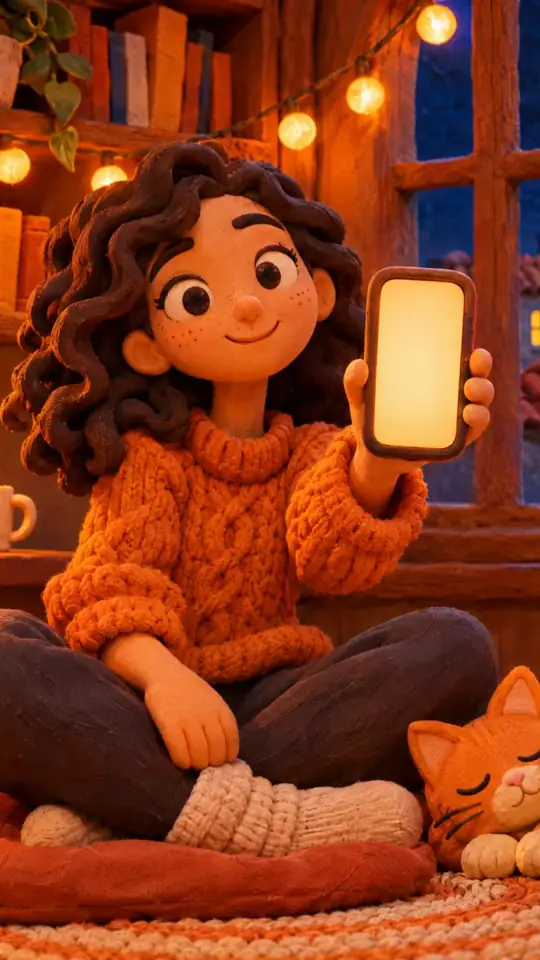
Clay 3D step-by-step video — Clay mascot style
Make a step-by-step tutorial with a clay look: an orange mascot plugged into one socket per step, pastel backgrounds by chapter, clay objects that pop.
Starter에 포함, 스타일 81개 전체와 직접 만든 스타일 포함 · 미리보기는 ClipOnIt 엔진으로 렌더링됨
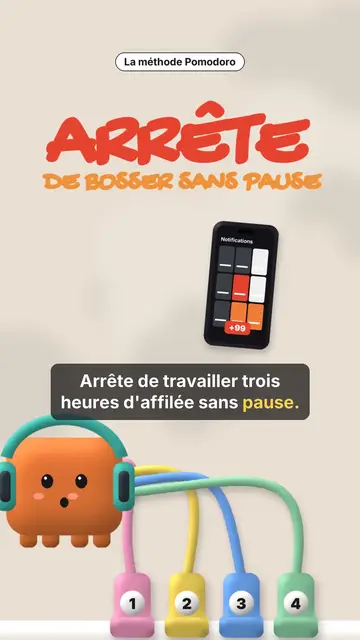
이 스타일의 모습
Clay mascot gives your video a soft, cute 3D clay look. In the centre, an orange cube mascot wearing a helmet is connected by coloured cables to numbered sockets. Each socket is a step: when a new chapter starts, a plug bounces and connects, and the pastel background changes colour, cream, pink, sea green or midnight blue. The mascot's face changes too, happy, surprised, with stars or hearts in its eyes.
Chapter titles are handwritten in marker, with their numbered badge, and a small black pill spells out the idea. Clay objects pop on the word: a phone full of notifications, a stopwatch, a bookshelf, a monitor, a list being ticked, a card, a giant number. A yellow note can stick to the object, confetti falls on the win, and the end shows “COMMENT” with a ticked recap of every step.
잘 맞는 주제
Avoid: grave topics, investigations or hard news: the cute look would not fit. Also avoid topics without steps; the mascot needs a socket to plug in for each idea.
- Productivity methodsOne socket per step: viewers see how many are left and where they are.
- Tool round-upsEach tool plugs its socket and pops its clay object, then the recap ticks them all.
- Beginner tutorialsThe soft look and the mascot make a technical topic approachable.
- Routines and habitsThe stopwatch, the ticked list and the confetti reward each step kept.
이 스타일의 영상 아이디어
- The Pomodoro method
The red “STOP” hook, four sockets, the stopwatch, the silenced phone and the ticked recap.
- 4 apps to learn a language
One socket per app, the clay phone and the number of minutes a day.
- Plan your week in 5 minutes
The list being ticked, the yellow note stuck on and the confetti at the end.
- 3 settings for a faster computer
The clay monitor, three numbered sockets and the mascot with star eyes.
클릭 1번이면 완성
- 이 스타일 링크 열기
“이 스타일로 영상 만들기” 버튼을 누르면 이 스타일이 이미 선택된 편집기가 열립니다. 계정이 없어도 가입은 1분이면 되고 카드 등록은 필요 없어요.
- 주제를 한 문장으로 적어 주세요
아이디어 하나면 충분해요. 텍스트를 붙여넣거나, Starter에서 마이크에 대고 설명해도 돼요. 그러면 영상이 여러분의 목소리를 바탕으로 만들어져요.
- 검토 후 렌더링
AI가 장면을 쓰고, 스타일의 요소를 고르고, 말에 맞춰 타이밍을 맞춰요. 음성과 자막도 함께 들어가요. 어색한 부분만 고치면 세로형 MP4가 몇 분 안에 도착해요.
조정할 수 있는 항목
For each scene you pick the opening red hook, the chapter title and its pill, the background colour, a clay object popping on the word (phone, stopwatch, bookshelf, monitor, list, card, number or element), the yellow note, the mascot's mood, the confetti and the word to comment with the recap.
자주 묻는 질문
무료 여부, 결과물, 용도: 간단한 답변.
How many steps can I show?
Each new chapter title adds a numbered socket. Four to six steps stay readable in a 30 to 60 second video.
내 목소리를 쓸 수 있나요?
Yes. Record yourself or import your audio: sockets plug in and objects pop on your words.
How is it different from Felt kitchen?
Felt kitchen plays out a metaphor with two wool puppets. Clay mascot follows a list of steps, one socket per step, with clay objects.
이 스타일은 무료 요금제에 포함되나요?
아니요, Starter(월 $29)에 포함되어 있습니다. 월 15개의 워터마크 없는 영상, 81개 스타일 전체, 직접 만든 스타일을 쓸 수 있습니다. 무료 플랜은 월 3개의 영상을 워터마크와 함께 제공하며, 그 외 8개 스타일을 쓸 수 있습니다: Pixel News, Press paper, Comedy cartoon, Class sketch, Night tale, Social screen, Retro synthwave, Flat vector.
이 스타일이 마음에 든다면
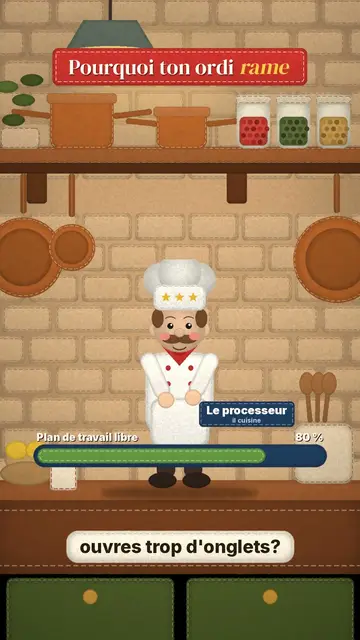
Stop-motion explainer video
Felt kitchen style · A retro wool kitchen in stop-motion, where a chef and an apprentice act out the explanation.
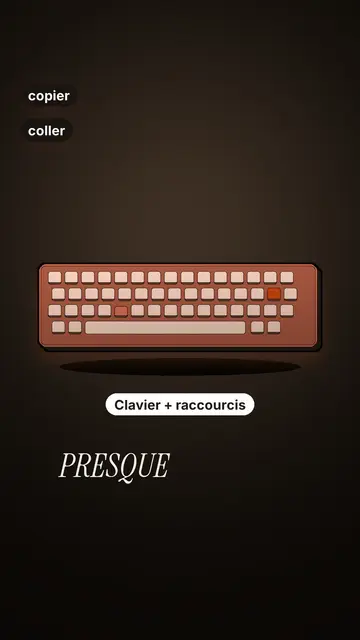
Tech tutorial video maker
Terracotta studio style · Tutorials told with UI cards floating in light 3D on cream: numbered labels, rolling counters, terracotta title plates.
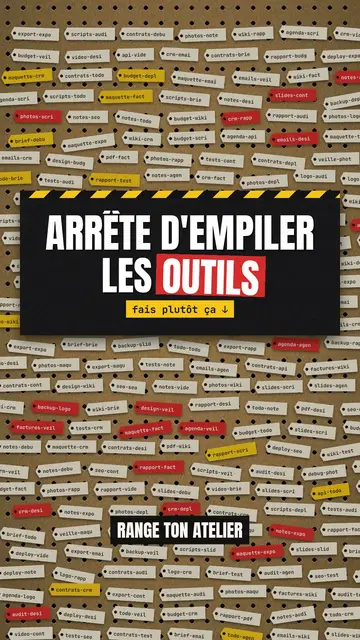
Step-by-step method video
Pegboard workshop style · Everything hangs on a cardboard pegboard: falling labels, gauges, caution tape.