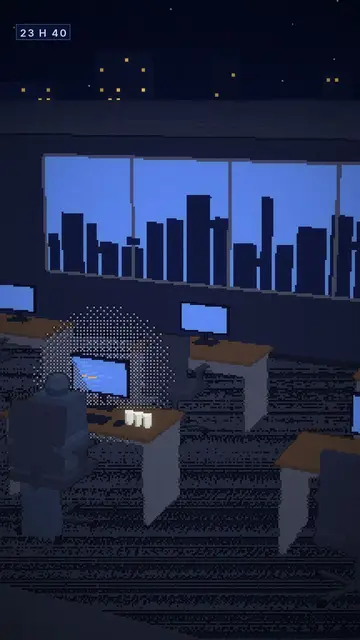
와이어프레임 애니메이션 영상 — 와이어프레임 스타일
와이어프레임 애니메이션 영상을 만들어 보세요. 그리드 바닥 위 네온 그린 3D 오브젝트와 움직이는 카메라. 엔지니어링, 기계, 엄청난 스케일 차이를 음성과 함께 담아요.
Starter에 포함, 스타일 24개 전체와 직접 만든 스타일 포함 · 미리보기는 ClipOnIt 엔진으로 렌더링됨
이 스타일의 모습
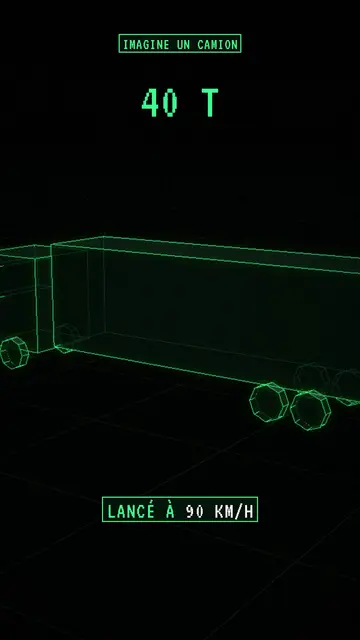
Wireframe shows real 3D objects stripped down to their structure: mesh edges glow neon green, hidden edges stay visible through transparency and faces are almost black. Objects sit on a grid floor that fades into the distance, and a glowing halo surrounds the lines, like a radar screen or old design software.
The camera moves the way it does in the Archibald style, whose 3D objects it reuses: it circles an engine, dives towards a city or pulls back to show scale. Text stays in the same register: a framed green label at the top, a label at the bottom with the key word in white, and a large green monospace figure when the scene comes down to a number.
잘 맞는 주제
Avoid: human and emotional topics (psychology, family, health): wireframe characters feel cold. Topics that depend on colours or materials don't work well either, since everything is green on black. Also note that highlighting an object fills its faces with green instead of making its edges glow.
- How a machine worksVisible edges let viewers see inside an engine, a rocket or a computer without cutting it open.
- Orders of magnitudeThe grid floor acts as a ruler: a tower, a plane and a stadium compare on the same grid.
- Thought experimentsThe blueprint look suits “imagine a…” scenarios, where you build an ideal object rather than a photo.
- Tech and the futureNeon green on black evokes control screens, engineering and science fiction.
이 스타일의 영상 아이디어
- How a jet engine works
The camera circles the engine, parts light up one by one, from the air intake to the nozzle.
- If the Earth were a marble
Everything is rescaled on the grid floor, and the big green figure gives the real distance.
- The real size of the biggest ships
A container ship next to a tower, then a stadium, on the same grid.
- What is inside your phone
The case turns see-through and the camera dives towards the battery, the chip and the antenna.
클릭 1번이면 완성
- 이 스타일 링크 열기
“이 스타일로 영상 만들기” 버튼을 누르면 이 스타일이 이미 선택된 편집기가 열립니다. 계정이 없어도 가입은 1분이면 되고 카드 등록은 필요 없어요.
- 주제를 한 문장으로 적어 주세요
아이디어 하나면 충분해요. 텍스트를 붙여넣거나, Starter에서 마이크에 대고 설명해도 돼요. 그러면 영상이 여러분의 목소리를 바탕으로 만들어져요.
- 검토 후 렌더링
AI가 장면을 쓰고, 스타일의 요소를 고르고, 말에 맞춰 타이밍을 맞춰요. 음성과 자막도 함께 들어가요. 어색한 부분만 고치면 세로형 MP4가 몇 분 안에 도착해요.
조정할 수 있는 항목
In each scene you set the top label, the bottom text and its word in white, and the big figure. The 3D objects come from the same library as Archibald: you can move them, swap them, change the camera move and, if needed, force the colour of a specific part. Ask for three variants of a scene, change its length or narration. From Starter, you use your own voice and make fixes by talking to the AI Director.
이 스타일로 그린 장면
라이브러리에 2 270개의 요소가 있으며 의미로 검색할 수 있어요. 그중 몇 가지:
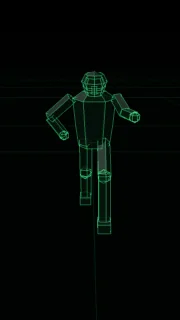 캐릭터
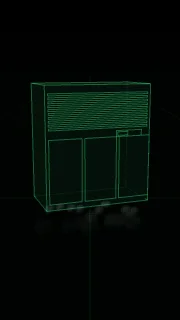 기기
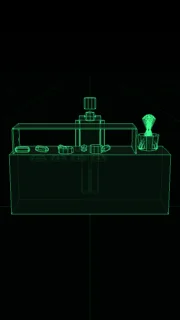 문서 & 장소
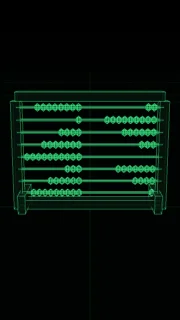 데이터
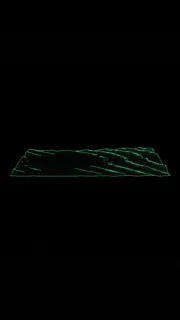 배경
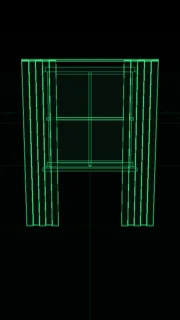 인터페이스
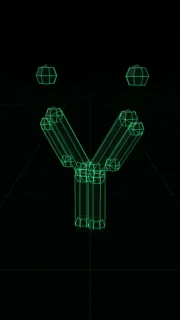 과학
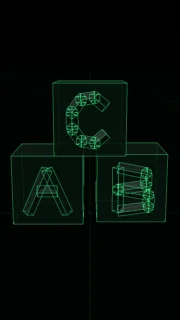 오브젝트
Frequently asked questions
무료 여부, 결과물, 용도: 간단한 답변.
What is a wireframe animation?
A 3D animation that shows only the edges of objects, like their skeleton, instead of solid surfaces. In this style the edges are neon green on black, and AI animates the objects and the camera to your narration.
Do I need 3D software?
No. The 3D objects are already in the library and AI picks them from the meaning of each line. You write the topic, the engine renders the video.
How is it different from Archibald?
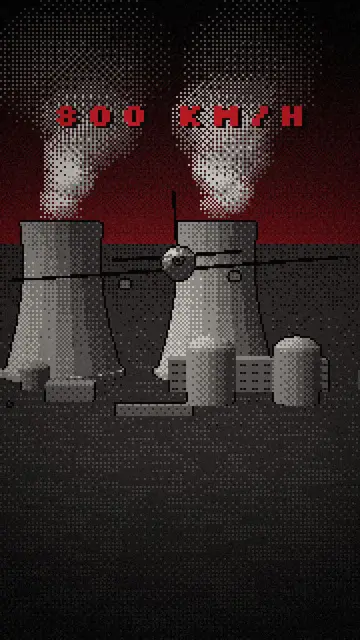
Same objects and same camera. Archibald renders them in dithered low-poly under a dark red sky, Wireframe as green edges on a grid floor, closer to a technical diagram.
이 스타일은 무료 요금제에 포함되나요?
아니요, Starter(월 $29)에 포함되어 있습니다. 월 15개의 워터마크 없는 영상, 24개 스타일 전체, 직접 만든 스타일을 쓸 수 있습니다. 무료 플랜은 월 3개의 영상을 워터마크와 함께 제공하며, 그 외 8개 스타일을 쓸 수 있습니다: Pixel News, Press paper, Comedy cartoon, Class sketch, Night tale, Social screen, Retro synthwave, Flat vector.